Meta Muse can buy things for you, but it never handles your real card number. It pays through Link by Stripe, which issues a single-use card for each purchase, and every purchase has to be approved by you in the Muse app. Shop Pay and 1Password are listed as "coming soon", so as of November 2026 Link is the only payment route Meta describes as live.
How does Muse pay for things?
Meta's launch post names one payment partner: Link, Stripe's wallet. When Muse checks out, Link generates a single-use card for that purchase. The merchant sees a valid card number, but it isn't your real card, and it can't be reused once that purchase is done.
Meta also says Muse is the first AI agent covered by Link's purchase protections. Meta doesn't publish the details of that cover, so treat it as an extra layer rather than a guarantee you can quote back to a merchant.
- Muse finds item
- You approve in the app
- Link issues single-use card
- Merchant checkout
The approval step comes before the card exists. If you decline, no card is created and nothing is charged.
Can Muse see my card number or passwords?
Meta says no. The launch post states that Muse cannot see passwords or payment methods, and Alexandr Wang told CNBC the agent "never sees your actual passwords or payment details."
The security engineering post explains how. Credentials, including OAuth tokens, sit in a service called hatch-authd inside your Muse VM. The agent only ever handles surrogate tokens. When a request leaves the VM, Sentinel, a separate isolated agent, swaps in the real credential at the network boundary. Our Sentinel explainer covers that design in more detail.
Which payment methods does Muse support?
| Payment route | Status (as of November 2026) | What it does |
|---|---|---|
| Link by Stripe | Live | Issues a single-use card per purchase |
| Shop Pay | "Coming soon" (Meta) | Not yet available in Muse |
| 1Password | "Coming soon" (Meta) | Listed alongside Shop Pay; Meta doesn't say how it will be used |
| Your card typed into a checkout form | Not described by Meta | Meta says Muse can't see payment methods |
Meta doesn't publish a list of card types that work inside Link, or say whether non-US cards work in each market. If a specific card matters to you, check it in Link before you rely on Muse to shop.
Why does Muse need a card on the free plan?
This catches many people out. According to TechCrunch, Muse requires a payment card at sign-up even if you stay on the free tier. Meta told reporters it expects most users to stay free.
Meta's subscription help page lists the paid plans in US dollars: Power at $20 a month and Maximum at $100 a month, as of November 2026. The subscription card is what gets charged if you upgrade or buy extra tokens. Our Muse pricing guide covers those plans.
How do purchase approvals work?
Meta's security post says every purchase requires approval. Approvals appear in the Muse app interface, not as a chat message, so a web page or email can't fake one by writing text that looks like a button.
Approvals in Muse can be one-time, per session, per task, time-bounded or perpetual, and each is tied to a specific connector or destination. For purchases, Meta's wording is that every purchase needs approval, so you should expect to tap approve for each one.
- Ask for the itemTell Muse what to buy and any limits, such as price or delivery date.
- Review the proposalMuse shows what it plans to buy and where.
- Approve in the appConfirm in the Muse approval prompt, not in the chat.
- Single-use card is issuedLink creates a card for this purchase only.
- Check the receiptUse Muse's activity history to confirm what was bought.
Meta says Muse keeps an audit trail of past and planned actions. It's worth checking after the first few purchases to confirm the price and merchant matched what you approved.
Where can Muse actually shop?
Payment is only half the story, because some stores refuse agent traffic. Amazon blocked Muse from shopping on Amazon.com on 20 September 2026, and no reports say the block has been lifted. Our explainer on why Muse can't shop on Amazon covers the reasons Amazon gave.
Retail Gazette reported that Muse's US retail partners include Walmart, Best Buy, Gap and Sephora. In Singapore, Meta's own launch post names Shopee, Lazada, Grab and ShopBack among local partners. Sites that block automation or show CAPTCHAs can still stop a purchase partway through. Reviewers at Slate noted Muse hitting CAPTCHAs it couldn't pass.
How does Muse compare with other agents on payments?
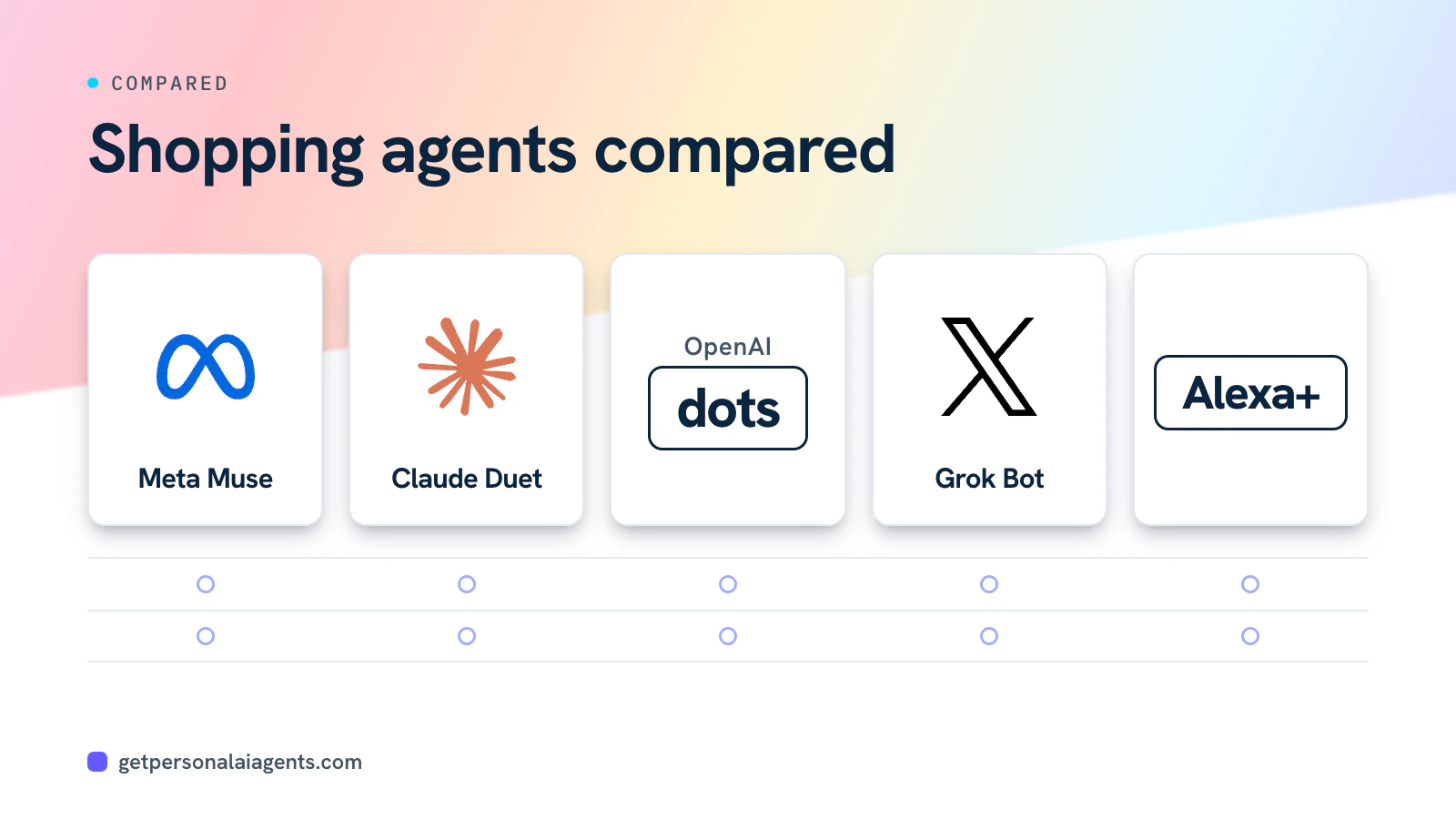
| Agent | How it pays | Approval rule |
|---|---|---|
| Meta Muse | Link by Stripe single-use cards; Shop Pay coming | Every purchase |
| Claude Duet | Link or Shop Pay; one-time card limited to one merchant and one amount | Always asks; can't be set to "don't ask again" |
| OpenAI dots | Saved card, per reviewers | Saved-card purchases need approval |
| Grok Bot | Hands the payment step to you via takeover | You complete it yourself |
Anthropic's Duet safety article is more specific than Meta's posts: each one-time card is locked to a single merchant and a single amount. Meta hasn't published whether Muse's single-use cards carry the same merchant and amount limits. For the broader picture, see how AI agent payments work and our approval rules comparison.
What if Muse buys the wrong thing?
Start with the merchant. The store that sold the item is the merchant of record and handles returns, the same as if you'd bought it yourself. Next, check Link's purchase protections, which Meta says cover Muse, though it doesn't list the terms.
In the US, the charge still traces back to your real card through Link, so your card issuer's dispute process applies. Under the Fair Credit Billing Act you generally need to write to the issuer within 60 days of the statement. The safety side of this, including what to do after a purchase you didn't approve, is covered at safeaiagents.com. For a practical walkthrough of Link itself, see agentshoppingguide.com.
Pros
- Real card number never reaches the merchant or the agent
- Every purchase needs an in-app approval
- Meta says Link purchase protections cover Muse
Cons
- Shop Pay and 1Password are not live yet
- Meta doesn't publish card limits or the protection terms
- Amazon blocks Muse, and CAPTCHAs can stop checkouts
Bottom line
Muse can spend money for you, but only through Link single-use cards and only after you approve each purchase in the app. Your real card number stays out of the agent's reach, according to Meta's security design. Shop Pay isn't available yet, and the card you add at sign-up is for your subscription, not your shopping. Check the activity log after early purchases, and keep the merchant and your card issuer in mind if something goes wrong.