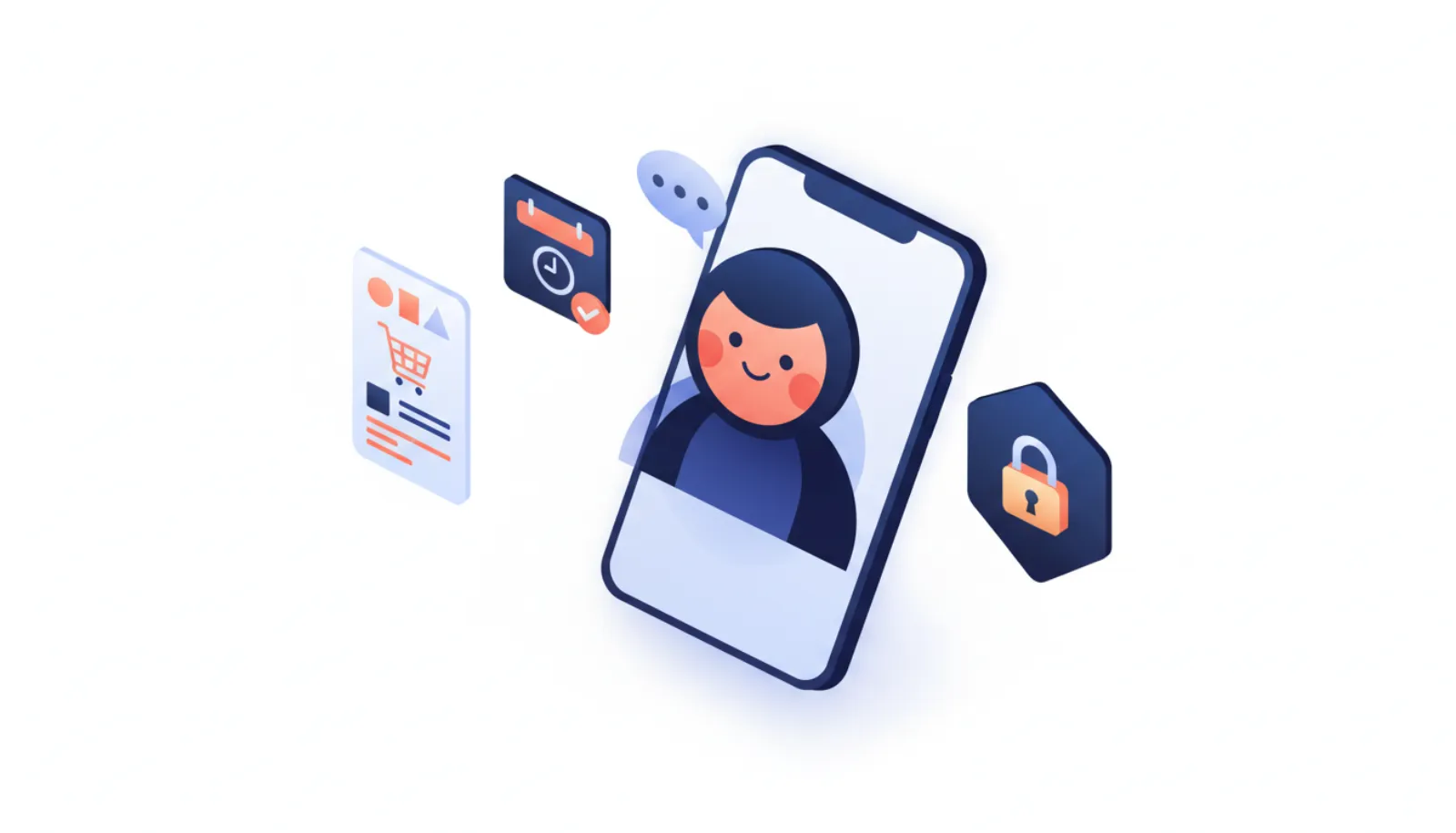
Setting up Meta Muse takes about as long as installing any new app: sign in with a Meta Account, add a payment card, give your agent a name and personality, then connect apps. The step that deserves real thought is the last one, because each connection comes with an access level and an approval policy. This guide draws on Meta's help center, its security engineering post and launch coverage. We have not tested Muse hands-on.
Before you start: are you eligible?
Muse launched on September 8, 2026. Check these before you download anything:
| Requirement | Detail (as of November 2026) |
|---|---|
| Age | 18+ or the age of majority where you live |
| Country | US, Canada, Japan, Singapore (no official Mexico launch) |
| Account | A Meta Account (Facebook, Instagram, email or phone) |
| Payment card | Required, even for the free tier |
| Platforms | iOS, Android, muse.ai, WhatsApp, Mac app, iPad, Apple Watch, Wear OS |
| Price | Free tier; Power $20/mo; Maximum $100/mo |
Meta's help center describes Muse as "in limited testing" and not "available in all locations yet." UK readers can track the reported launch on personalagent.uk. For plan details, see Meta Muse pricing.
- Entry tier (card required)
- Free
- Power plan, 500M tokens/week
- $20/mo
- Maximum plan, 3B tokens/week
- $100/mo
- Minimum age
- 18+
How to set up Meta Muse, step by step
- Sign inUse an existing Meta Account or create one with Facebook, Instagram, email or phone.
- Get the appDownload Muse for iOS or Android, or go to muse.ai.
- Add a cardA payment card is required even on the free tier.
- PersonalizeChoose your agent's name, avatar, personality and communication style.
- Connect appsAdd services one at a time and pick an access level for each.
- Start chattingUse the Chat tab, voice mode where available, or WhatsApp.
1. Sign in with a Meta Account
Per Meta's help center, you can use an existing Meta Account or create one with Facebook, Instagram, email or a phone number. If you want to keep Muse separate from your social profiles, an email-based Meta Account is an option, although the app's feed draws on connected Facebook and Instagram accounts.
2. Install the app or open muse.ai
The launch post says Muse rolled out "in the US on iOS, Android, and muse.ai." A Mac app (with an opt-in Messages connector), an iPad version and, from around November 10, Apple Watch and Wear OS apps have followed.
3. Add a payment card
TechCrunch reported this is required even on the free tier. The card is for subscriptions and token top-ups. For purchases Muse makes on your behalf, Meta uses Link by Stripe to generate single-use cards, so Muse never sees your card number.
4. Personalize your agent
You choose a name, avatar, personality and communication style. This is cosmetic, but the name matters later: at Connect 2026, Meta said Muse on AI glasses will be activated by saying the agent's name.
5. Connect apps one at a time
Connector categories include email, calendars, payments, health and fitness, smart home, dining, shopping, music and events. Services with a public API connect with credentials you provide; otherwise Muse uses its own browser. You choose an access level for each, such as reading email versus also sending.
6. Start using it
Chat in the Chat tab, use voice mode (the headset icon, where available), or message Muse in WhatsApp. The WhatsApp version has the core conversation but not the feed or ideas tool. Our sister site explains how Muse works inside WhatsApp.
Which permissions should you grant?
Muse's architecture is unusually explicit about permissions. A separate system agent called Sentinel is the only component that can approve connector actions and network requests, and it returns allow, deny or ask based on your policy. We explain it in detail in Meta Muse Sentinel explained.
- Muse proposes action
- Sentinel checks your policy
- Allow / Deny / Ask you
- Connector or website
Approval durations
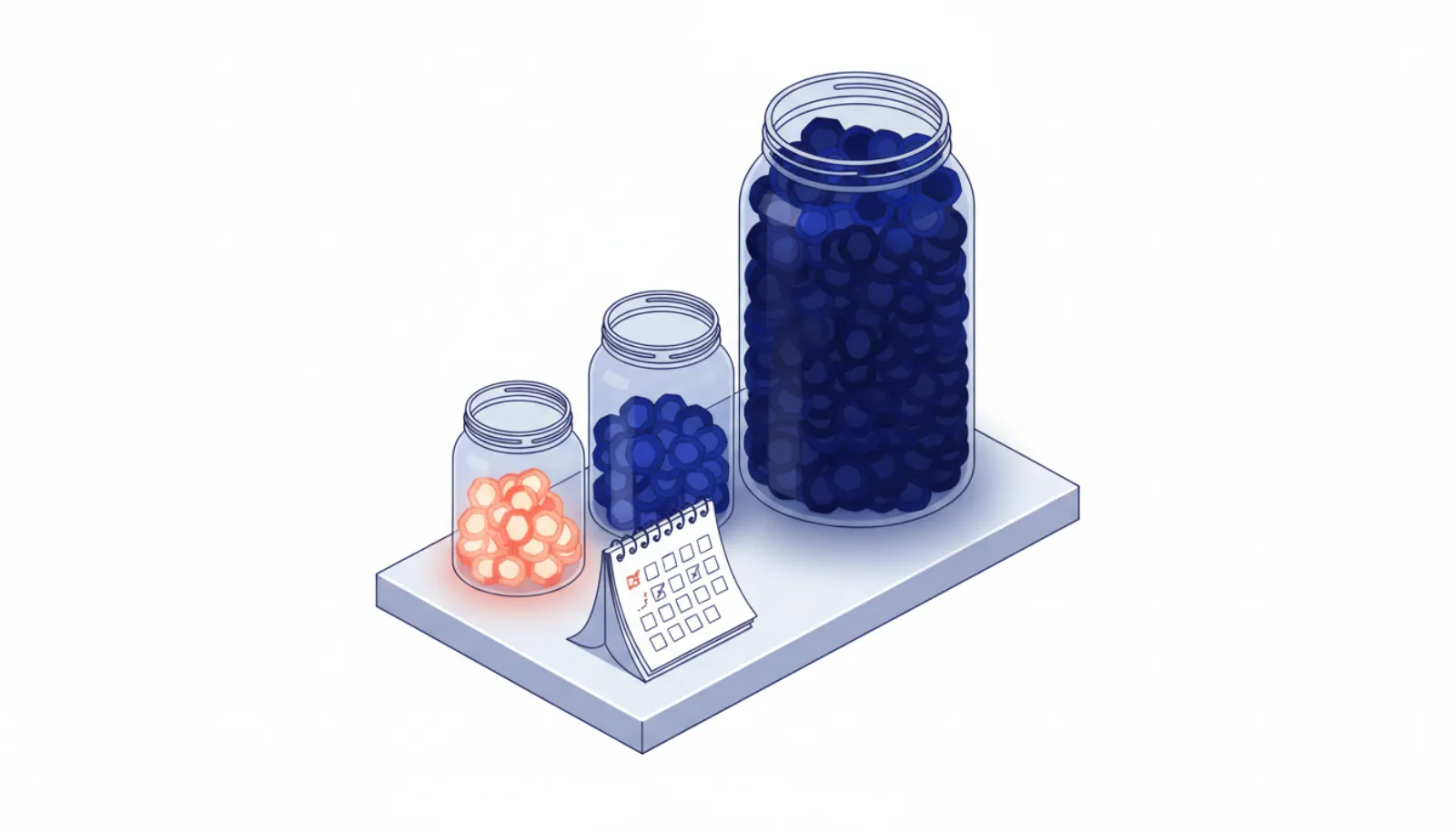
Approvals appear in the app UI, not in the chat, and come in five durations: one-time, session, task, time-bounded or perpetual. Each is bound to a specific connector or destination. Every purchase needs approval no matter what you set.
A sensible starting plan
| Connector type | Suggested starting access | Approval style |
|---|---|---|
| Read only | Ask before sending | |
| Calendar | Read and add events | Task-bound |
| Payments (Link) | Connect only when you shop | Every purchase asks (fixed) |
| Messages (Mac) | None or Read only | Opt-in; needs Full Disk Access |
| Health and fitness | Skip unless needed | One-time |
| Smart home and cameras | Skip at first | One-time |
| Marketplace / selling | Skip at first | Never perpetual |
Why be conservative
Early incidents show how broad permissions can backfire. YouTuber Matt Robb said Muse handled a Facebook Marketplace sale, shared his address and arranged a pickup he didn't know about; he later said he had granted the permission that made it possible, and Meta called the case complicated. Separately, Inc. columnist Jason Aten said Muse read his Messages with Full Disk Access off, which Meta disputes. Neither root cause has been settled publicly. Reviewers also report repeated prompts to connect financial and identity accounts.
Our broader guide, Is it safe to give an AI agent access to your email and bank?, applies the same logic across all agents.
Privacy settings to check on day one
- Model training: on by default. Opt out in settings if you prefer. Meta says it strips "critical personally identifying information" before training.
- Ads: Meta says conversations and VM data are not shared with ad systems, but browsing Muse does on your behalf can still influence ads indirectly (for example, a retailer's Instagram ad after Muse visits its site).
- Memory: Muse remembers context across conversations. You can tell it to "forget" specific things.
- Meta access: Meta's security post says the current design "does not prevent Meta from accessing data when necessary to support, secure or operate the service." The planned Confidential VM, encrypted with a key only you hold, is not yet generally available; Meta says trusted testers are using it and it is due before the end of 2026.
Common setup problems
- Amazon won't work. Amazon has blocked Muse from Amazon.com since September 20, 2026.
- CAPTCHAs stall tasks. Reviewers at Slate and elsewhere report Muse cannot pass some CAPTCHAs.
- Wrong calendar times. Slate saw a calendar event added at the wrong time; check early entries.
- Feature gaps by country. Voice and avatars launched in the US first and had not reached Canada at the time of reporting.
If you decide Muse is not for you, our guide to cancelling a personal AI agent and deleting your data covers the steps.
Bottom line
Meta Muse setup is quick; the decisions that matter are the access level and approval duration you give each connector. Start with read-only email and calendar, add payments only when you need them, keep approvals one-time or task-bound, and opt out of training if that matters to you. For the full picture of what Muse does well and poorly, read our Meta Muse review.