Setting up Grok Bot means getting an eligible plan, installing the app, creating a named Bot with a job, and granting access as it asks for it. The step most guides skip is understanding the architecture: every Bot on your account shares one cloud computer, so permissions you give one Bot effectively reach all of them. This guide draws on xAI's and Cursor's documentation and launch coverage. We have not tested Grok Bot hands-on.
Which plan do you need for Grok Bot?
Grok Bot launched in early beta on August 11, 2026 and has never had a standalone price. Since October 12 it has been bundled into The X Subscription.
| Plan (as of November 2026) | Price | Grok Bot | Usage vs Plus |
|---|---|---|---|
| X Free | $0 | No | n/a |
| X Plus | $8/mo | No | 1x |
| X Premium | $30/mo | Yes | 4x |
| X Super | $100/mo | Yes | 15x |
| X Ultra | $200/mo | Yes | 50x |
| Legacy SuperGrok / paid Cursor | Existing price | Yes | Legacy limits |
| Enterprise / Team Bots | Contract | Yes (since Sep 3 / Sep 28) | Admin-set |
Premium also includes SuperGrok, Cursor Pro and X Premium+, per xAI's announcement. One weekly usage pool is shared across Grok Bot, Cursor and the Grok apps. More detail in our Grok Bot pricing guide.
- Cheapest plan with Grok Bot
- $30/mo
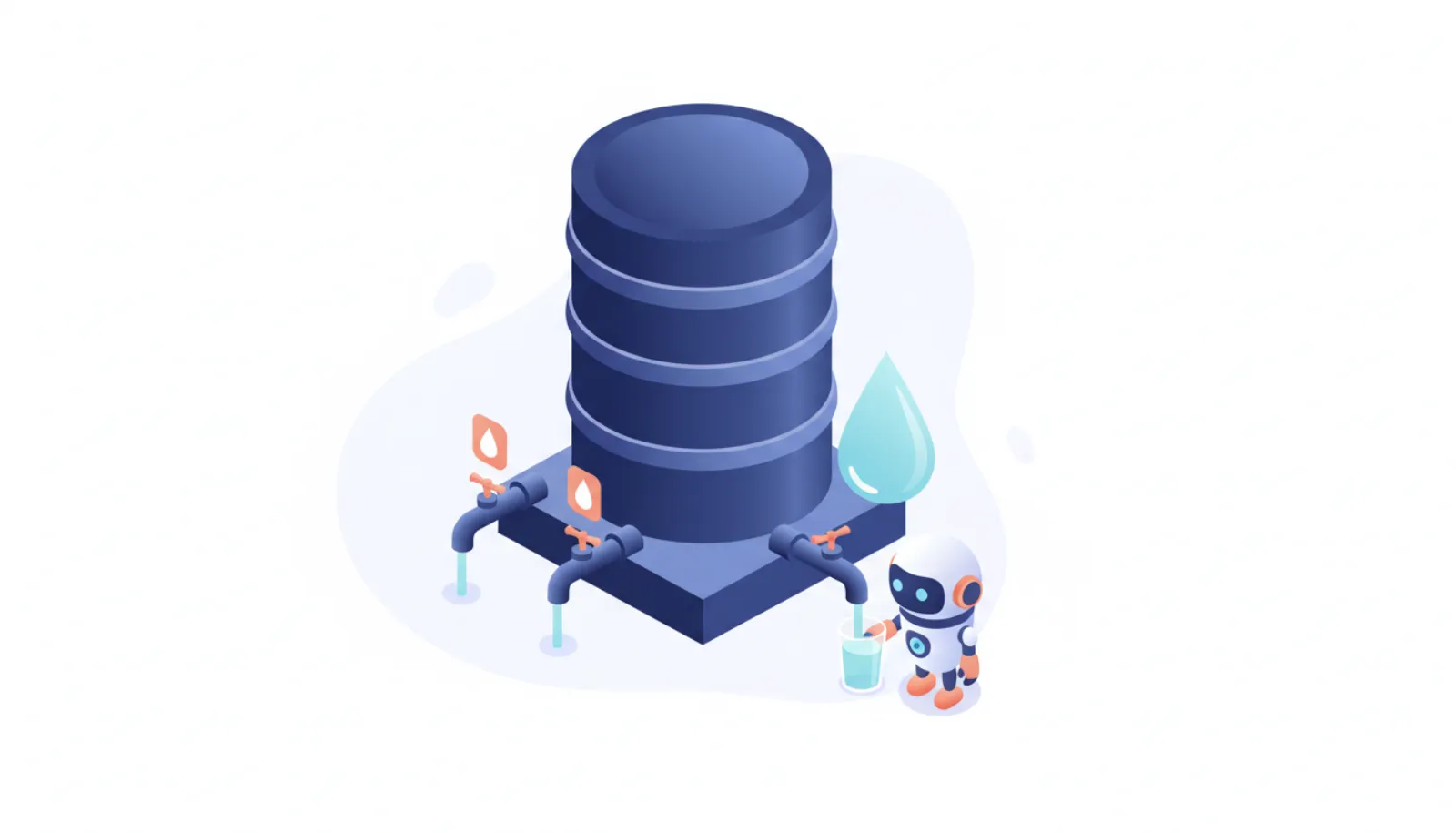
- Cloud computer shared by all your Bots
- 1
- Max length of a teaching recording
- 10 min
- Trial window (where offered)
- 7 days
How to set up Grok Bot, step by step
- Get a planX Subscription Premium or higher, or a legacy SuperGrok or paid Cursor plan.
- Install the appDesktop (macOS, Windows, Linux) or mobile (iOS 18+, Android 9+).
- Create a BotGive it a name and a job description.
- Grant access as askedConnectors, plugins and logins; passwords and 2FA use takeover.
- Teach and scheduleRecord a workflow, save it as a skill and set a routine.
- Check usageOpen grok.com/dashboard, then Usage.
1. Get an eligible plan
The Grok Bot FAQ lists X Subscription Premium or higher, or a legacy SuperGrok or paid Cursor plan. Some accounts see Start Trial, a 7-day usage credit that never auto-converts. The exception: trials started through the iOS App Store convert to a paid Apple subscription unless you cancel first.
2. Install the app
Supported platforms are macOS (Apple silicon and Intel), Windows (x64 and Arm64), Linux (.deb, .rpm, AppImage), iPhone and iPad on version 18 or later, and Android 9 or later. A web app is not documented. Grok Bot uses Cursor authentication, so your account and data settings follow Cursor's.
3. Create a Bot with a name and a job
Cursor's docs describe Bots as "AI teammates with names, jobs, and context that compounds over time." Each named Bot keeps its own memory, preferences and summaries of past work, and conversations stay separate. You can run several in parallel and put 2 to 6 of them in a group chat.
4. Grant access as the Bot asks
Bots use connectors and MCP where available and computer use for everything else. When a site needs a password, 2FA code, CAPTCHA or payment, the Bot hands control to you through a takeover flow. Stored credentials go through Vault, a connected password manager or a Secure Form, so the Bot does not see the values. Forum users report that each Bot's browser may still need its own sign-in.
5. Teach a workflow and schedule it
Show the Bot a task once (recordings are capped at 10 minutes). It saves the workflow as a skill and can rerun it on a schedule or after an event. Start with something reversible, such as compiling a weekly report, before automating anything that sends messages.
6. Watch your usage
Check grok.com/dashboard, then Usage. Multi-Bot "swarm" workflows are token-heavy, and one reported task stalled at the weekly limit. Overage is billed at API list prices. If a Bot stops replying, see "Bot failed to respond" causes and fixes.
How do Grok Bot approvals work?
Bots "only come back when something needs your approval," per xAI's launch post. The approval buttons differ by device, according to Digital Applied:
- Desktop: Allow once / Deny / Always allow
- iPhone: Approve once / Deny
- Require Approval rules override Always allow.
- Auto Review is a model-based checker. The docs say it "should complement, not replace, least privilege and explicit approval boundaries."
Local computer access is separate. Bots run commands on your own desktop only if you allow it in Settings → Computer, and the default is "Ask every time." Keep that default unless you have a specific need.
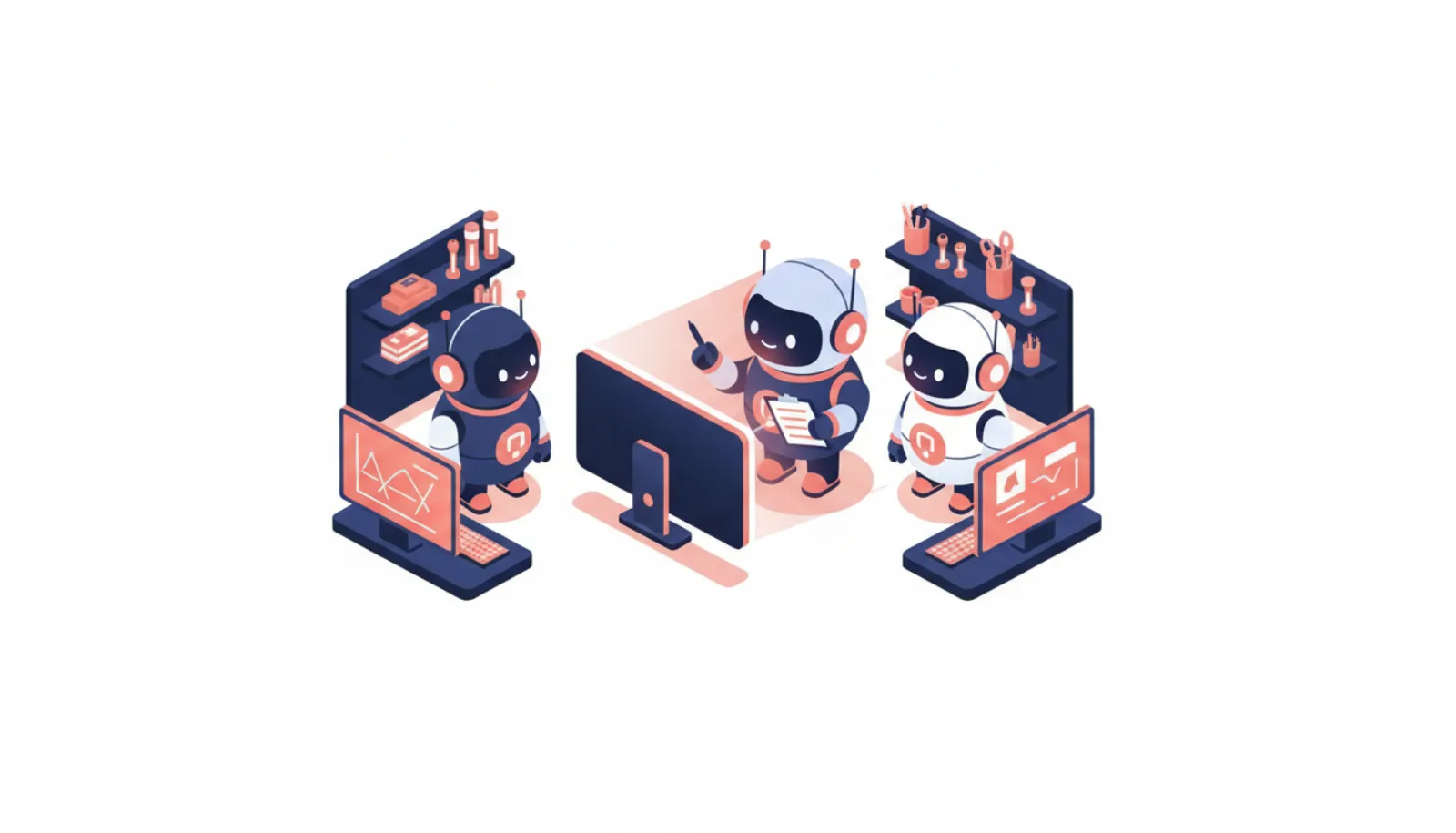
- Bot A, Bot B, Bot C
- One shared cloud computer
- Shared files, browser sessions and logins
This shared-computer design is the main way Grok Bot differs from Meta Muse's per-user Sentinel model. Our prompt injection explainer covers why this matters, and Grok Bot vs OpenAI dots compares the two architectures.
Privacy settings to check
- Training opt-out follows your Cursor settings.
- Legacy Privacy Mode is not supported. Grok Bot needs cloud storage, so the old mode blocks the product.
- Model routing: there is no model picker, and the UI does not show which model handled a task. CellCog reports Grok 4.7 is trained for the Grok Bot harness, which xAI has not confirmed. Elon Musk posted on October 7 that the company would use "the best back end model for any given task, including Claude Opus 5.5," without a timeline.
- Deleting data: deleting Grok Bot deletes your Cursor account, with data removed within 30 days. Deleting a single Bot is a soft delete, and files and logins on the shared computer may remain. See how to cancel a personal AI agent.
- Region: xAI has not published a country list for Grok Bot. Secondary sources say UK and EU users can subscribe and that Bot computers run in the US; some say the @bot tag on X may be restricted there. personalagent.uk tracks UK status.
What to expect in the first week
Reviews are mixed. ZenAegis gave it 3 out of 5 after three weeks and reported Bots claiming work they hadn't done, calling it "a top-notch harness waiting for a model it can trust." Another reviewer said it was the first agent he had used that actually finished browser work, but hit reliability errors. Practical tips:
- Ask the Bot to show evidence (a screenshot, link or file) when it reports a task as done.
- Expect sites to block automation, expire sessions or demand a human step.
- Amazon blocks many AI agents, including Grok.
- Messaging options are the app, X Chat (rolling out gradually), @bot tags on X, Slack for Team Bots and one email address at mail.grokbot.com, such as yourname@mail.grokbot.com; outbound mail you didn't ask for always waits as a draft. Phone calls are US-only. SMS, WhatsApp and Telegram are not supported; see smsaiagents.com.
Bottom line
Grok Bot setup is straightforward if you already pay for X Premium or a Cursor plan. Grant access gradually, keep local computer access on "Ask every time," prefer Allow once over Always allow, and remember that every Bot on the account shares one computer. For a full verdict, read our Grok Bot review, and for permission advice across agents, see is it safe to give an AI agent your email and bank?