Grok Bot is xAI's take on the personal agent: named "AI teammates" that work on a persistent cloud computer, learn tasks you demonstrate, and run them on a schedule. It is aimed more at work and teams than at consumer errands, and as of November 2026 the cheapest route in is The X Subscription at $30/month. This review is based on xAI and Cursor documentation and published hands-on reports, not our own testing.
What is Grok Bot?
xAI launched Grok Bot in early beta on August 11, 2026, the first of the four big 2026 agents (xAI). It was built with Cursor; SpaceX agreed in June 2026 to acquire Cursor's maker Anysphere, which is why branding mixes xAI, SpaceXAI and Cursor.
The docs describe Bots as "AI teammates with names, jobs, and context that compounds over time" (Cursor docs). You create a Bot, give it a job description, and message it. It started as an internal tool for sales outbound, marketing, office ops and bug fixes.
Grok Bot is distinct from Grok Build, a coding CLI, and from Cursor Cloud Agent, an isolated per-task VM for code.
- Entry via X Subscription Premium (from Oct 12)
- $30/mo
- Early beta launch
- Aug 11, 2026
- Bots per group chat
- 2 to 6
- Max length of a taught workflow recording
- 10 min
What can Grok Bot do?
Work in apps without an API
xAI's pitch is that Bots work in tools that lack a clean API or MCP server, naming Gmail, CRMs and product UIs. They use connectors and MCP where available and computer use for everything else.
Teach once, repeat forever
You can show a Bot a workflow (recordings capped at 10 minutes). It saves it as a skill and reruns it on a schedule or after an event. An internal salesperson is quoted: "I showed Grok Bot a workflow once and now I just fully trust it to run forever."
Multi-Bot teams
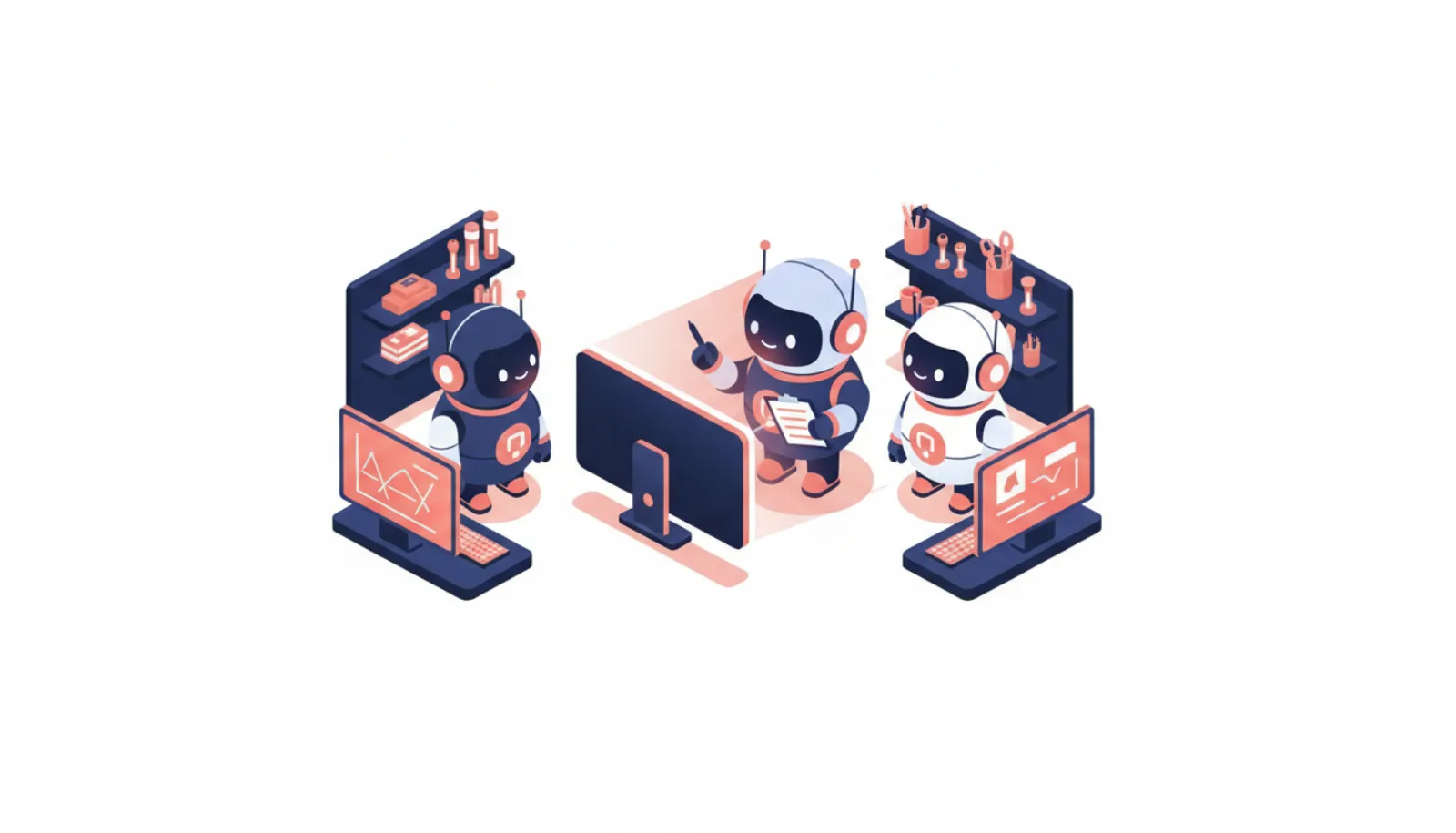
Several Bots can run in parallel, message each other, share context in group chats of 2 to 6 Bots and hand off tasks. Coding work can go to Cursor cloud agents. Team Bots, in public beta since September 28, can join Slack with their own handle and use Salesforce, Notion and GitHub plugins.
X integration
Since August 29 Bots can search posts, read your timeline, check mentions and pull trends and bookmarks. You can tag @bot on X or chat in X Chat, which is rolling out gradually to personal accounts. Each user can also claim one email address at mail.grokbot.com (for example yourname@mail.grokbot.com), and outbound mail you didn't ask for always waits as a draft. There is no evidence of SMS, WhatsApp or Telegram support; smsaiagents.com covers Grok Bot's messaging options.
Spec sheet
| Item | Grok Bot (as of November 2026) |
|---|---|
| Status | Beta |
| Model | Auto-selected per task, no picker |
| Runs on | One persistent cloud computer per account (browser, filesystem, terminal) in Cursor's cloud |
| Platforms | macOS, Windows, Linux, iPhone, iPad, Android 9+ |
| Surfaces | Grok Bot app, X Chat (gradual rollout), @bot on X, Slack (Team Bots), one @mail.grokbot.com address |
| Entry price | $30/month (X Subscription Premium) |
| Free tier | No; some accounts get a 7-day trial |
| Local computer | Optional, "Ask every time" by default |
How does the shared computer work?
This is the detail most coverage gets wrong. The launch marketing says Bots have "their own computer." The docs say all of a user's Bots share one computer, a Firecracker microVM isolated from other users, including files, browser sessions and logins. Shared team Bots get a separate computer of their own. Each Bot gets its own screen and runs one computer-use task at a time, and keeps its own memory and conversation.
- You (app, X Chat, Slack)
- Named Bot
- Connectors, MCP or computer use
- Shared cloud computer
- Websites and apps
The practical consequence: if one Bot reads malicious instructions, everything on that shared computer is exposed. xAI's FAQ says it plainly: "Do not use separate Bots as a security boundary" (xAI FAQ). Our how personal AI agents work explainer covers why that matters. For more detail, see do Grok Bots share one computer?
Safety and approvals
- Bots "only come back when something needs your approval." Desktop buttons are Allow once, Deny or Always allow; Require Approval rules override Always Allow.
- Auto Review is model-based, and the docs say it "should complement, not replace, least privilege and explicit approval boundaries."
- Passwords, 2FA, CAPTCHAs and payments are handed to you through a takeover flow. Credentials go through a vault, password manager or secure form without the Bot seeing them.
- Enterprise adds access, network and audit controls, with no access by default.
In an analysis of launch-audience comments, about 11% raised security or prompt injection. Compare rivals in agent approval rules compared.
Privacy and data
Grok Bot uses Cursor authentication and data settings, so the training opt-out follows your Cursor settings. Legacy Privacy Mode is not supported. Deleting Grok Bot deletes your Cursor account, with data removed within 30 days; deleting a single Bot is a soft delete, and files and logins on the shared computer may remain. One secondary source says Bot computers run in the US even for UK and EU users.
How much does it cost?
There has never been a standalone price. Pricing changed three times in two months after launch:
- Beta via SuperGrok Heavy, Cursor Ultra ($200) and Teams Premium (~$120/seat)
- All SuperGrok, Cursor Pro and Cursor Teams plans
- Enterprise opens
- The X Subscription: Premium $30, Super $100, Ultra $200
Under The X Subscription, one weekly usage pool is shared by Grok Bot, Cursor and the Grok apps, with overage billed at API list prices; Premium gets 4x Plus usage, Super 15x and Ultra 50x. xAI bills in US dollars and adds VAT; aiagents.org.uk converts Premium to about £27 a month including VAT (≈£22.50 + VAT). Full breakdown on Grok Bot pricing.
What do published reviews say?
- ZenAegis (3/5 after three weeks) called it "a top-notch harness waiting for a model it can trust," citing Bots claiming finished work they had not done ("Yeah, I didn't do that.").
- Ali Akbar Fakhri (7-day test) said it was the first agent he had used that finishes browser work instead of describing it, but hit "Bot failed to respond" errors. Our Bot failed to respond guide lists what to check.
- Lenny's Newsletter (Claire Vo, October 28) ran a nine-task head-to-head including Grok Bot; the scoreboard is paywalled and the public text names no overall winner.
- Cursor forum users report each Bot's browser still needing separate sign-ins, and swarm workflows burning through weekly limits.
Pros
- Real computer use for sites with no API
- Teach-once skills and scheduled routines
- Multi-Bot teams, Slack, X and Linux support
- Entry price fell to $30/month
Cons
- No free tier
- All Bots share one computer and its logins
- Reviewers report false "done" claims
- No model choice or visibility into which model ran
Who it's for, and who should skip it
Good fit: founders, operators and small teams with repetitive browser work in tools that have no API, especially if you already pay for X Premium, SuperGrok or Cursor.
Skip it if: you want a consumer errand helper (see Grok Bot vs Meta Muse), need strict per-agent isolation, or cannot tolerate occasional false completion reports. For the most cautious option, read Grok Bot vs Claude Duet.
Bottom line
Based on published documentation and reviews, Grok Bot has the most capable harness of the 2026 agents for hands-on browser work and team workflows, at a now-reasonable $30 entry price. Reliability and the shared-computer design are the reasons to keep a close eye on what it does. UK readers can check personalagent.uk's Grok Bot guide.