OpenClaw is the free, open-source personal agent you run on your own machine and talk to through WhatsApp, Telegram, Slack, Signal and other messaging apps. Installing it takes a few commands. Running it safely takes more: the project's security history includes hundreds of malicious skills and tens of thousands of instances exposed to the internet. This guide draws on the project documentation summary and security coverage. We have not run it hands-on for this guide.
What do you need before you install?
OpenClaw is stewarded by the OpenClaw Foundation, an independent 501(c)(3) nonprofit that employs the core team and signs releases (reportedly announced July 9, 2026). Its conversations, memory and skills live as Markdown and YAML files on your device, and a single Gateway process links your messaging apps to the agent. For the product assessment, see our OpenClaw review.
| Requirement | Detail (as of November 2026) |
|---|---|
| Operating system | macOS or Linux; Windows via WSL2 |
| Runtime | Node.js 22.16+ (24 recommended) |
| Software cost | Free, open source (MIT licence) |
| Model | Your API key for Claude, GPT, Grok, DeepSeek or Gemini, or a local GGUF model via Ollama |
| Channels | WhatsApp, Telegram, Slack, Discord, Signal, iMessage, Teams, Google Chat, Matrix, WeChat, LINE, built-in WebChat |
| Region limits | None (self-hosted) |
That last row is why UK and EU readers often land here: most commercial agents are US-only. personalagent.uk covers UK self-hosting.
How to install OpenClaw
- Install Node.jsVersion 22.16 or later; 24 is recommended.
- Install OpenClawRun npm install -g openclaw@latest.
- Run onboardingRun openclaw onboard --install-daemon to configure and start the Gateway.
- Check the GatewayRun openclaw gateway status.
- Open the Control UIRun openclaw dashboard.
The commands, per the documentation summary:
npm install -g openclaw@latest
openclaw onboard --install-daemon
openclaw gateway status
openclaw dashboard
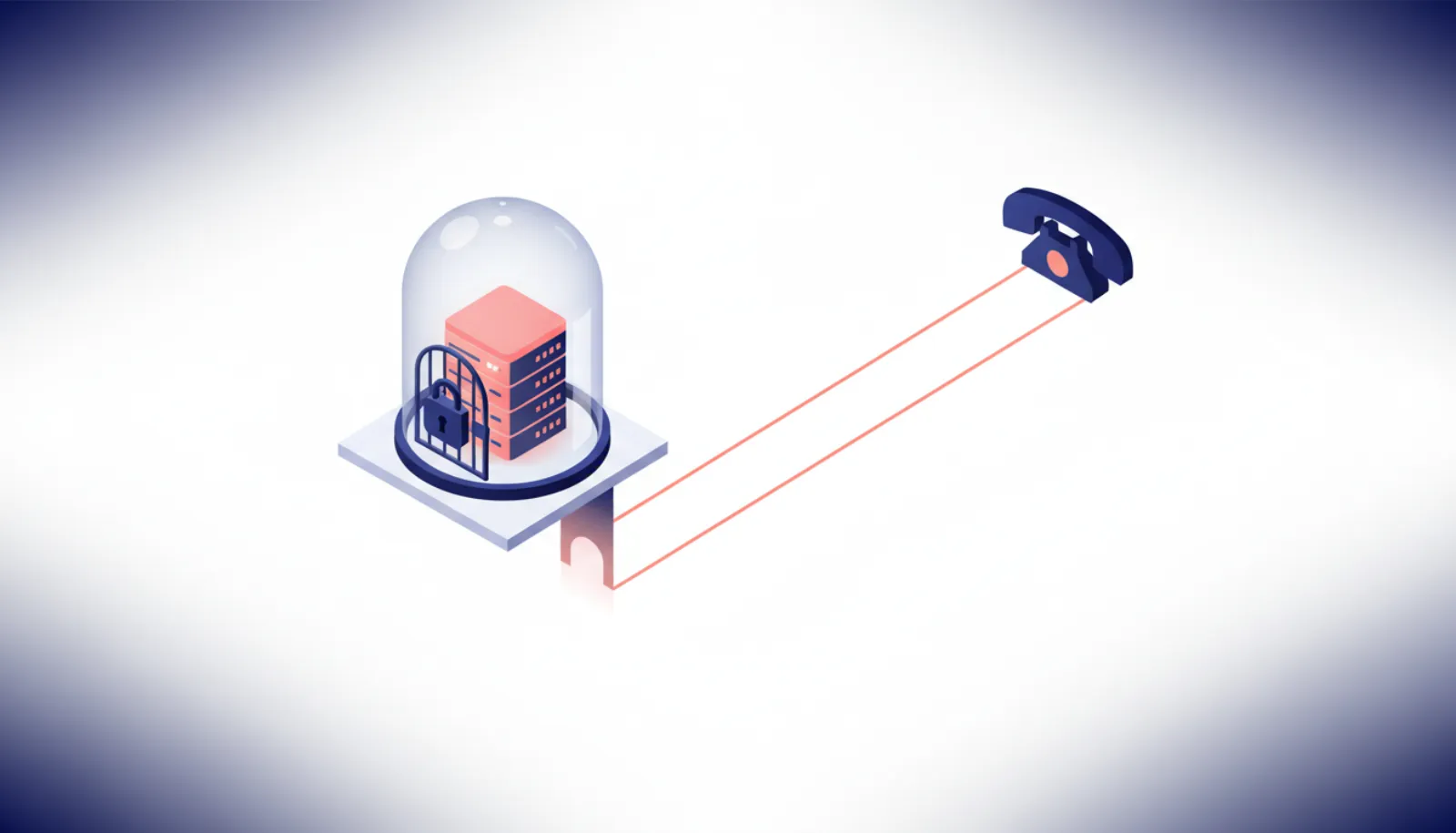
Configuration lives in ~/.openclaw/openclaw.json. The Gateway listens on port 18789, bound to 127.0.0.1 by default. Leave that binding alone.
Onboarding is where you pick a model provider and connect channels. For step-by-step channel setup (WhatsApp pairing, Telegram bots, Signal), see smsaiagents.com's OpenClaw messaging guide.
- Your phone (WhatsApp, Signal)
- Gateway on 127.0.0.1:18789
- Agent + skills
- Model API or Ollama
Why does OpenClaw need hardening?
The project is popular (about 394,000 GitHub stars in November 2026) and that makes it a target. The record so far:
- ClawHavoc (February 2026): Koi Security audited 2,857 ClawHub skills and found 341 malicious, 335 from a single campaign. Antiy CERT later counted 1,184 malicious packages that had ever appeared on ClawHub, with 677 from one actor; the two figures measure different things. Payloads included macOS stealers and Windows credential harvesters. OpenClaw then added VirusTotal scanning of uploads.
- Exposed instances: Censys counted 21,639 on January 31, 2026, and SecurityScorecard's STRIKE team found more than 40,000 in its first 24 hours of scanning. STRIKE later reported more than 135,000 across 82 countries (63% without authentication in one summary). Later secondary reports cite more than 220,000, which we could not see on a primary source.
- CVEs: CVE-2026-25253, a one-click remote code execution bug (patched), and CVE-2026-33579.
- Ranking manipulation: Silverfort showed ClawHub download rankings could be gamed to push a malicious skill to number one.
- Thoughtworks Technology Radar Vol. 34 rated it "Caution", calling it "permission-hungry by nature."
OpenClaw 2.0 was announced on August 30, 2026, and release v2026.8.1 followed on August 31. It brought simpler setup, a rebuilt browser app and shared sessions, which the release notes say "are not tenant isolation or a security boundary". Sandboxing is off by default. Secondary coverage also describes credential-security changes.
- Malicious skills in the first ClawHavoc audit
- 341
- Exposed instances (SecurityScorecard STRIKE)
- 135,000+
- Default Gateway port, localhost only
- 18789
- Minimum Node.js version
- 22.16+
Hardening checklist: how to run OpenClaw safely
These are the documentation's recommended practices, in rough priority order.
1. Never expose the Gateway publicly
Keep it on 127.0.0.1. If you need remote access, use Tailscale or an SSH tunnel. Don't forward port 18789 on your router or bind it to 0.0.0.0 on a cloud server.
2. Sandbox it
Run OpenClaw in a Docker sandbox under a low-privilege OS account, not your main user. If a skill or injected instruction goes wrong, the damage stays inside the container.
3. Use scoped API keys
Create a dedicated model API key with a spending cap, and give connected services the narrowest scopes they allow. TNW reported one project-linked token bill of $1.3 million, a reminder that runaway loops cost real money.
4. Treat skills as code you are installing
Read every third-party skill before installing it, and pin it to a commit hash so a later malicious update can't slip in. Don't trust download rankings.
5. Enable DM pairing and rotate the gateway token
DM pairing stops strangers from messaging your agent through a connected channel. Rotate the gateway token periodically and after any suspected exposure.
6. Limit what it can reach
Every inbox, file share or account you connect expands what a prompt injection could abuse. Don't connect banking. For payments, use virtual cards as described in our guide to AI agent safety and permissions.
Self-hosting vs a hosted agent: which is right for you?
Self-hosting gives you full control, no country limits and your choice of model, including fully local ones. The trade-off is that you are the security team. Hosted agents such as Meta Muse put a provider-run safety layer in front of the agent, but tie you to their region, pricing and data policies. Many third-party "managed OpenClaw" hosts exist; none were verified for this guide.
Our OpenClaw vs Meta Muse comparison weighs the two approaches, and MCP connectors explained covers how agents plug into other tools.
Bottom line
Installing OpenClaw is four commands. Running it safely means keeping the Gateway on localhost, reaching it only through Tailscale or SSH, sandboxing it in Docker under a low-privilege account, using capped API keys, and reading and pinning every skill. If that sounds like more upkeep than you want, a hosted agent may suit you better.