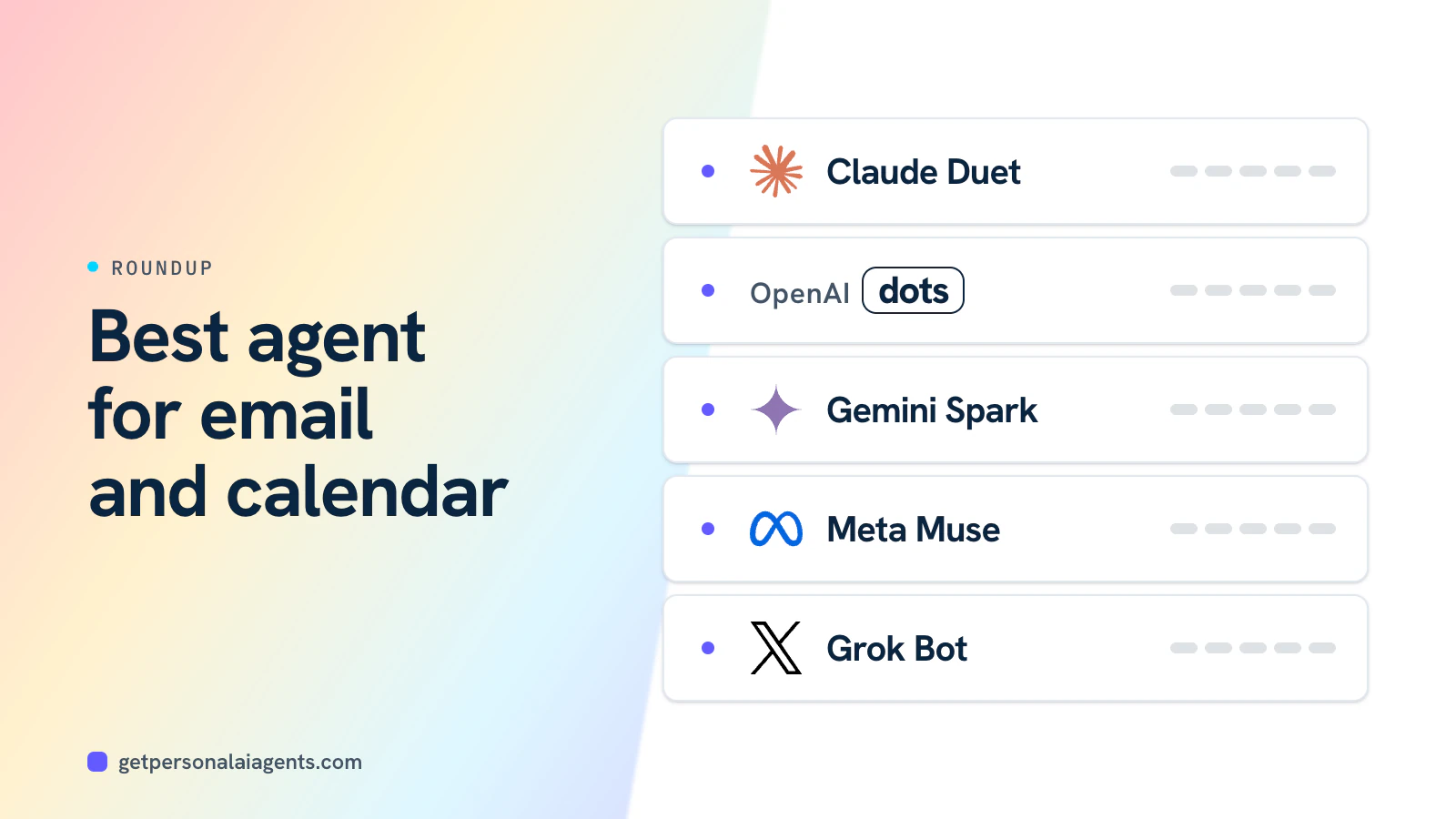
For most Gmail users, Claude Duet is the best personal AI agent for email and calendar: it reads your inbox every few hours, sends a morning brief and shows you exactly what it will send before it sends. If you live in Outlook, Slack or Teams, OpenAI dots are the stronger fit, at a higher price. Google AI subscribers already have Gemini Spark, which has its own Gmail address. These picks are based on published features, pricing and availability as of November 2026, not hands-on testing.
Which AI agents handle email and calendar?
| Claude Duet | OpenAI dots | Gemini Spark | Meta Muse | Grok Bot | |
|---|---|---|---|---|---|
| Gmail / Google Calendar | Yes | Yes | Yes, native | Email and calendar connectors | Via computer use |
| Outlook / Microsoft 365 | Not yet available | Yes (setup eased 9 Oct) | Not documented | Not documented | Via computer use |
| Slack / Teams | Slack (limited) | Slack and Teams | Not documented | Not documented | Not documented |
| Proactive inbox checks | Every few hours plus morning brief | Proactive, read-only | 24/7 agent | Acts on details you mention | Not documented |
| Own email address | No | No | Yes, a Gmail address | No | Yes, since Oct 2026 |
| Approval before sending | Shows recipients and content | Auto-review of recipients and content | Confirms sending email | Sentinel review | Allow/Deny prompts |
| Entry price (US) | Claude Pro $20 | ChatGPT Pro $100 | Google AI Pro $19.99 | Free tier | X Premium $30 |
As of November 2026.
- New email arrives
- Agent reads and summarises
- Drafts reply or invite
- You approve
- Sent and added to calendar
Best picks for email and calendar
Claude Duet: best for Gmail and a daily brief
Anthropic's getting-started guide describes an agent that checks your connected accounts every few hours and sends a morning brief. Gmail, Google Calendar, Drive, Slack (limited), Calendly, HubSpot, QuickBooks and Docusign are among its 6,000+ connectors, and scheduling meetings is a listed use case. Before it sends, pays, signs or deletes, Duet shows the exact action, recipients and content.
Limits to know: Duet is a US-only research preview with a waitlist, "Microsoft 365 isn't available yet" per the help center, and background checks and the morning brief count against your Claude plan limits. See does Claude Duet work with Outlook? for Outlook users' options. Read our Claude Duet review.
OpenAI dots: best for Outlook, Slack and Teams
Dots connect personal email, including Outlook, plus Slack and Microsoft Teams. A dot can watch channels and inboxes proactively, in read-only mode, and draft replies for you. CBS News listed scheduling among dots use cases. Dan Shipper, comparing the two, said Duet's email drafts were worse than dots'.
The catches: dots require ChatGPT Pro from $100 a month or Business Premium, and eesel's review found the dot would not fetch a 2FA code from an inbox it could read. A dot also has no email address of its own. See Claude Duet vs OpenAI dots. In the UK, Business Premium is the only route to a dot; our sister site explains whether Business Premium makes sense for sole traders.
Gemini Spark: best if you already pay for Google AI
Spark is built into Gmail, Docs, Chrome and Workspace, and according to TNW it has its own Gmail address you can email tasks to. It confirms high-risk actions such as sending email. It is included with Google AI Ultra and, since around late July 2026, US AI Pro at $19.99 a month. It is not offered in the EEA, UK or Switzerland. Compare it in Gemini Spark vs OpenAI dots.
Meta Muse and Grok Bot: capable, but not inbox-first
Muse can send email and add calendar events through connectors, and its email connector filters one-time codes and reset links. Slate reported a calendar event created at the wrong time. Grok Bot works with Gmail and CRMs through computer use and gained a Bot email address in version 0.71.2 on 14 October, according to its changelog.
- Duet connectors, including Gmail and Calendar
- 6,000+
- Apps available to OpenAI dots
- 4,000+
- How often Duet checks your accounts
- Every few hours
- Google AI Pro, which includes Spark (US)
- $19.99/mo
What do reviewers say about email agents?
Reviews so far are mixed:
- Duet: Dan Shipper of Every called it "the first personal agent I'd call a pro tool" after two weeks, while noting its email drafts were worse than a dot's. A Hacker News commenter found it "so slow that it's not actually particularly pleasant to use, even if it is smart," and ChatPRD saw long tasks go quiet.
- Dots: eesel liked the Slack and email monitoring but found too many confirmations on routine tasks, and Neoteo reported errands stalling on security checks.
- Muse: reviews praise the consumer experience, but email triage is not where coverage has focused.
None of these agents has been independently benchmarked on email accuracy at scale. Claire Vo's nine-task comparison for Lenny's Newsletter (October 28, 2026) keeps its scoreboard behind a paywall, and the public text names no overall winner.
How should you set up an email agent safely?
- Connect one inbox firstStart with a single account rather than every mailbox you own.
- Keep "ask before sending" onReview recipients and content for the first few weeks.
- Limit calendar write accessLet the agent propose times before it creates invites.
- Watch for injected instructionsTreat odd drafts prompted by incoming emails as a warning sign.
- Review the activity log weeklyCheck what the agent read, drafted and sent.
Email is the main route for prompt injection, because anyone can send your agent text.
Bottom line
Choose Claude Duet if you use Gmail and Google Calendar and want a careful agent with a daily brief for $20 a month, provided you can get off the waitlist. Choose OpenAI dots if your work runs on Outlook, Slack or Teams and you can justify ChatGPT Pro. Choose Gemini Spark if you already pay for Google AI Pro or Ultra. For a wider ranking, see best personal AI agents.